Home / Guides / Getting started
Getting started
Just woken up in a hab with no idea what you're doing? Good, that's all of us on day one. Here's how to get through your first few hours without walking off a landing pad or getting your ship impounded.
Before you even log in
Star Citizen's brilliant, but it doesn't hold your hand. Ever. So here's the honest bit up front: stuff will break, you will die to something daft, and you'll lose a ship at least once. That's fine. Nobody's judging. Well, we are a bit, but only in Discord.
Use a code when you sign up
Enlist with a referral code and you get 50,000 UEC to start with, according to RSI's referral FAQ. Pop it in when you make your account, or within 24 hours. Mine's STAR-TCP3-YKHJ, but use a mate's if they've got one.
It's an alpha
Lifts eat people, ships occasionally explode for no reason and servers have bad days. If something goes weird, log out, log back in and try again before you rage-quit.
Find a crew early
Everything's easier with someone who's done it before. Pop into the RMTV Discord and ask. Honestly, nobody minds daft questions.
Pick your home (choose carefully)
After you make your character you pick a system, then a home location in it. That's where you wake up, where your gear and pledge items live, and where mission rewards get sent. And here's the kicker: you can't change it until the next patch. So don't just click the first one.
Start here if you're new
Four big cities, proper security, every shop you'll need. It's where the game teaches you the basics without too many people trying to blow you up.
The Wild West
No law, no security, lots of PvP. Every home is a gang-run station. Brilliant fun once you know what you're doing, miserable if it's your first night. Your hangar's an L too, so big ships won't fit.
The frontier
People's Alliance territory, and the Vanduul are about. Levski is the place for Recco's free-ship mining jobs and InterSec, but it can be laggy and travel times are long.
| Home | Where | Hangar | Buy ships | Rent ships | Refinery | Medical | Worth knowing |
|---|---|---|---|---|---|---|---|
| STANTON · the safe(ish) one | |||||||
| Lorville | Hurston (planet) | XL | Yes New Deal | Yes | No | Hospital | Big and a bit grim. Takes a while to learn the trains. |
| Area18 | ArcCorp (planet) | XL | Yes Astro Armada | Yes | No | Hospital | Shopping central: armour, guns, clothes. |
| New Babbage | microTech (planet) | XL | No | Yes | No | Hospital | Comfy and well laid out. Cold outside, so dress for it. |
| Orison | Crusader (gas giant) | XL | Yes New Deal | Yes | No | Hospital | Floating city, looks gorgeous. Handy for Daymar and Yela. |
| PYRO · lawless, bring a mate | |||||||
| Ruin Station | Station, Pyro VI | L (pads up to M) | Yes Buy & Fly (industrial) | Yes | Yes | Clinic | Run by gangs, generally quieter than the rest of Pyro. |
| Checkmate | Station, Pyro II L4 | L (pads up to M) | Yes Buy & Fly (industrial) | Yes | Yes | Clinic | Next door to contested zones. Expect company. |
| Orbituary | Station, Pyro III | L (pads up to M) | Yes Buy & Fly (industrial) | Yes | Yes | Clinic | Rough & Ready gang HQ. |
| NYX · frontier, Vanduul about | |||||||
| Levski | Delamar (asteroid) | XL | Yes Teach's | Yes | Yes | Hospital | Recco Battaglia's mining jobs and InterSec live round here. Can be laggy. |
| People's Service Stations | Alpha, Delta, Theta or Lambda | No permanent hangar | No | No | No | Clinic | Basic restock, rearm and refuel. Players report hangar problems, so bare-bones for a home. |
Pyro hangars are only L size, with outside pads up to M. Got a big ship? It won't fit at home. And New Babbage has no ship shop, only rentals, so you'll be flying to Lorville, Area18 or Orison to buy.
Every home on this list sells armour, clothing, personal weapons and ship components, and has commodity trading, a food court and vehicle services, except the People's Service Stations, which are basic restock stops. Service lists come from the Star Citizen Wiki starmap (4.10.2 LIVE); Buy & Fly from the Star Citizen Wiki Buy & Fly page; home options and the patch lock are from the Star Citizen Wiki primary residence page.
Your first spawn
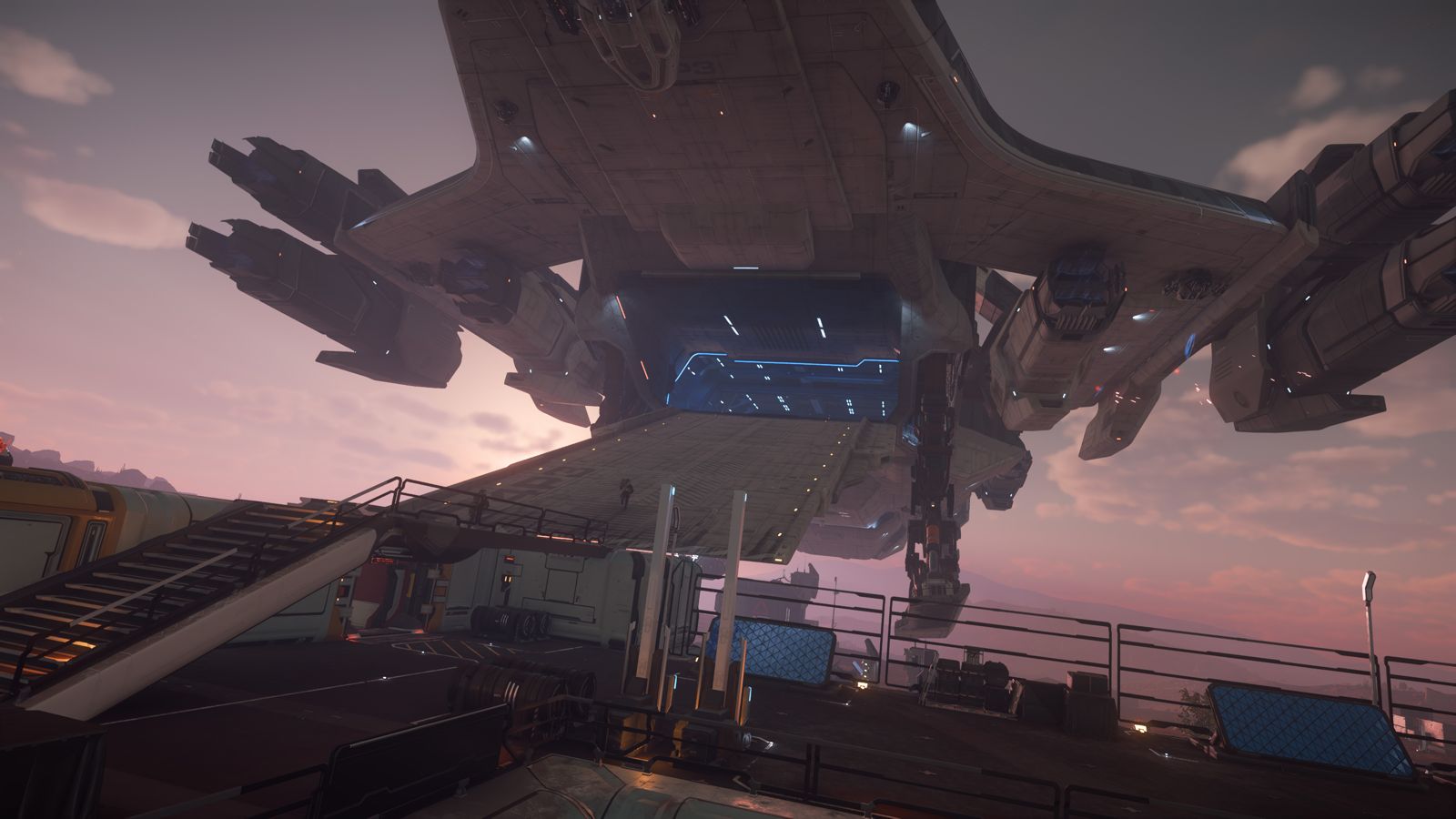
You'll wake up at whichever home you picked. Have a look round, then head out.
- Open your mobiGlas. It's your phone, map, contract list and inventory all in one. Hit F1 to open it and F2 for the starmap. Get comfy with it, you'll live in it.
- Grab food and drink. Hunger and thirst are a thing. Buy a few snacks and some water before you go anywhere. Starving to death on a moon is not a cool story.
- Find the spaceport. Follow the signs to the spaceport and the ASOP terminals (the fleet manager kiosks).
- Call your ship. At an ASOP terminal, hold F, pick your ship from the Vehicle tab and hit Retrieve. You'll get a hangar number. Go to that hangar, not the one next to it.
Flying basics
Flying's the fun bit. Landing's the bit that kills you. These are the default keyboard and mouse controls in 4.10. You can change any of them under Options, then Keybindings.
Getting in and turning it on
- Get in. Walk up to the ship, hold F to bring up interaction mode and pick the door, ramp or ladder. Inside, hold F on the pilot seat and pick "Enter pilot seat".
- Power it up. The easy way is Right Alt + R for flight ready, which turns everything on in one go. Or do it bit by bit: U for power, I for engines, O for shields and P for weapons. You can also hold F in the seat and click "Flight Ready" if you'd rather.
- Engines not responding? Nine times out of ten you've got power but no engines. Tap I.
| Power | Default key |
|---|---|
| Flight ready (everything on) | Right Alt + R |
| All power on / off | U |
| Engines (thrusters) on / off | I |
| Shields on / off | O |
| Weapons on / off | P |
| More power to weapons / engines / shields | F5 / F6 / F7 |
Moving about
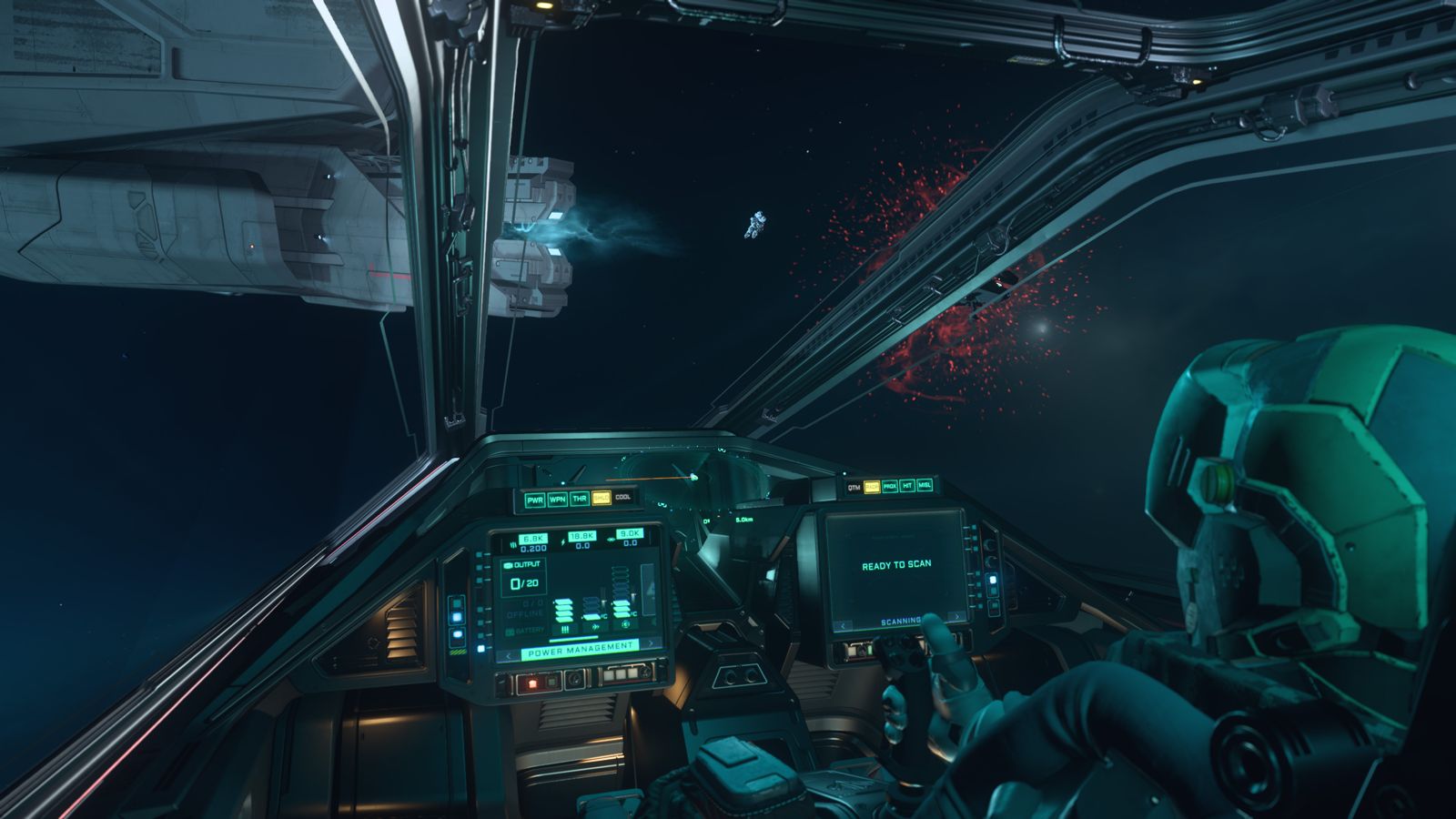
Your mouse points the nose, the keyboard does the rest.
| What | Default key |
|---|---|
| Forward / back | W / S |
| Strafe left / right | A / D |
| Up / down | Space / Left Ctrl |
| Roll left / right | Q / E |
| Pitch and turn (yaw) | Mouse |
| Boost | Left Shift |
| Spacebrake | X |
| Speed limiter | Mouse wheel |
| Cruise control | Left Alt + C |
| Coupled / decoupled | C |
| Free look | Hold Z |
| Change camera | F4 |
| Headlights | L |
| Exit seat | Y |
| Eject | Right Alt + Y |
Leave it coupled (the default) while you're learning. Coupled flies like you'd expect. Decoupled keeps you drifting in whatever direction you were going, which is great for dogfights and terrible for parking. Hit C by accident? That's why you're sliding sideways into a wall.
Calling ATC (getting the hangar doors open)
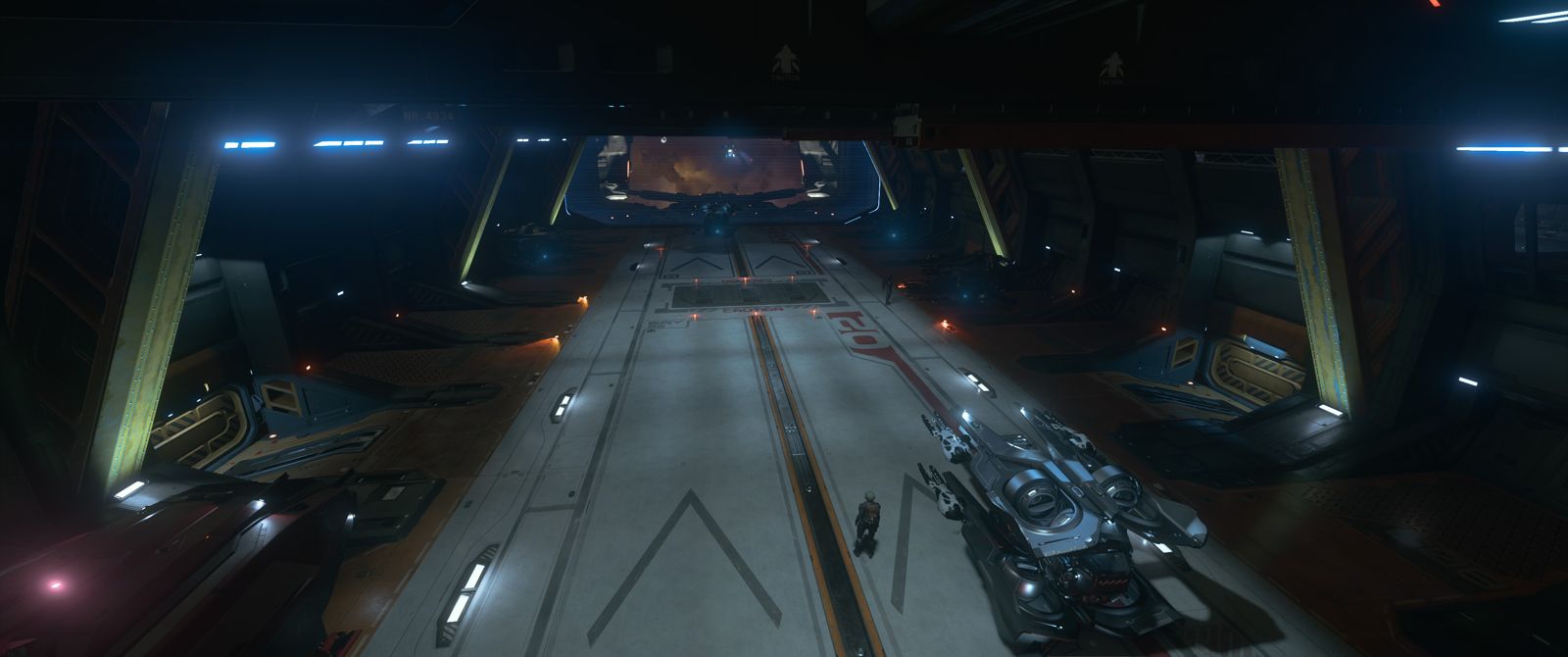
Spawned in a hangar? The doors won't open until you ask. Two ways to do it. On an outside pad at a space station you don't need to bother.
The keybind
Tap Left Alt + N. ATC answers, the doors open, off you go. The same key asks for landing when you arrive somewhere.
Hail them on comms
Keybind not playing ball? Press F11 for the Commlink and look for the local ATC contact (something like "NB Intl. ATC"), then hail them from there.
Planet cities have a no-fly zone round the hangars. Fly out through the holographic rectangles (the spline) and don't cut corners. Once you're out the other end you're free.
Quantum travel
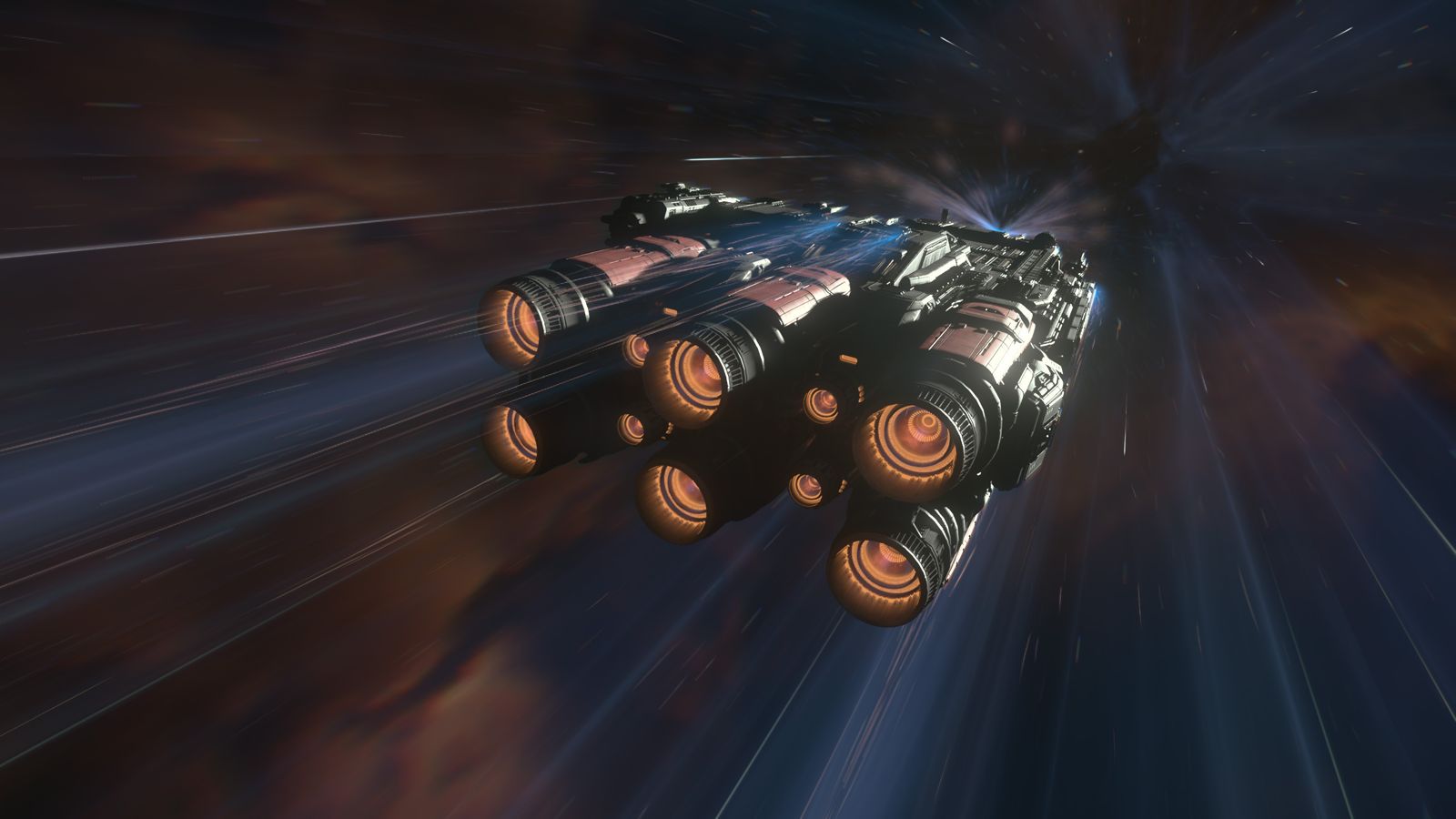
- Pick where you're going. Open the starmap with F2, click a destination and set the route.
- Switch to quantum (NAV) mode. Hold B to swap from combat (SCM) mode to NAV mode.
- Line up and jump. Point at the marker, then hold Left Mouse to spool and engage. Get comfy.
Don't bother flying between planets the old-fashioned way. You'll be there till Christmas.
Landing
- Ask first. Left Alt + N before you get close, and ATC gives you a pad or hangar.
- Follow the markers to your spot. At cities, come in through the spline.
- Gear down. Tap N. Yes, everyone forgets once.
- Or let it do it for you. Hold N for autoland once you're hovering over your pad.
- Power down with Right Alt + R, then Y to get out of the seat.
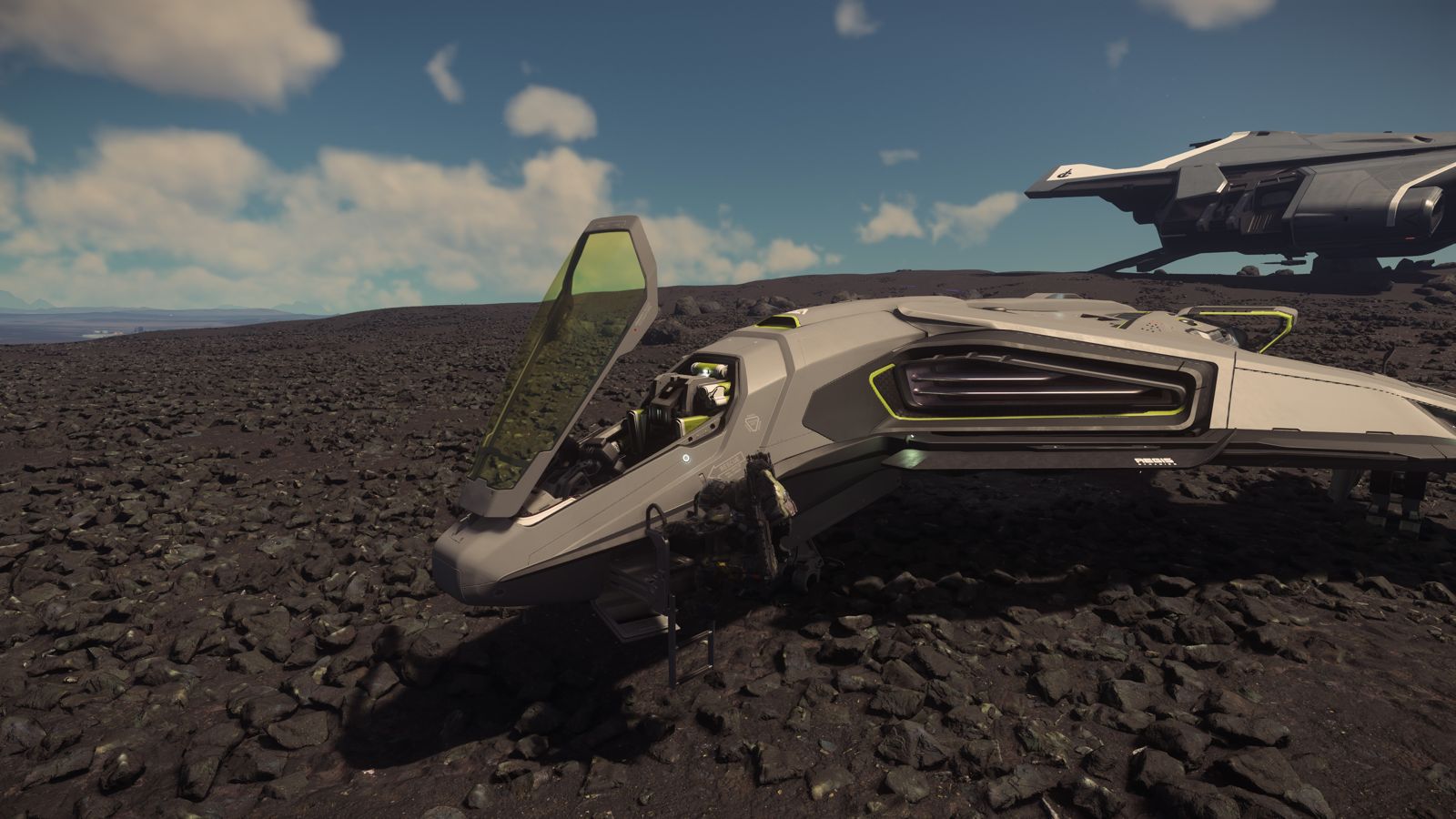
Sit on someone else's pad or hover in front of a hangar door and you'll get a warning, then a countdown, then your ship's impounded and you're paying a fee to get it back. Land where ATC sends you.
Making your first aUEC
You don't need a big ship to earn. Here's where I'd start, cheapest first.
Box and delivery jobs
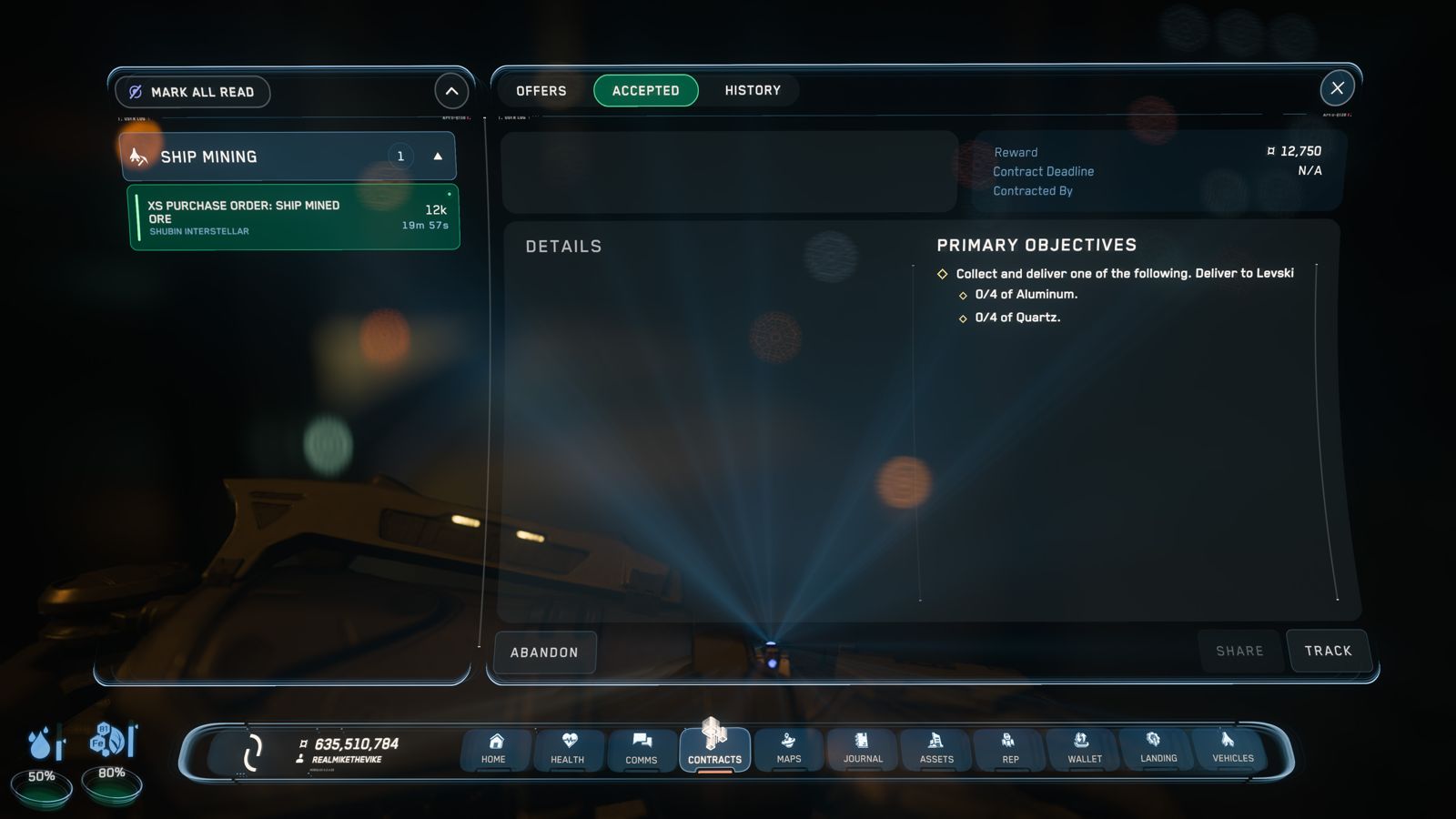
Pick up cargo hauling and delivery jobs from the contracts app. Not huge money, but they teach you quantum, landing and finding your way round stations without anyone shooting at you.
Rent a ROC or a Golem
A Greycat ROC rents for about 2,598 aUEC a day and digs gems off the surface. The Drake Golem is the cheapest proper ship miner. Full breakdown in the mining guide.
Recco's mining jobs
Recco Battaglia at Levski hands out mining contracts, and grinding his rep earns you a Golem, then a Prospector, then a MOLE. Free ships, yes please. Details in the mining guide.
InterSec patrols
Once you've got a ship with guns, InterSec in Nyx is a solid start. Patrol Dangerous Sector pays 158,750 aUEC, and the one-off New Defense Contract opens the good stuff later. See the InterSec guide.
Use the missions database
Not sure what's worth doing? The missions database lists every contract with pay, rep and any blueprint rewards.
Blueprints
Loads of missions drop blueprints you can craft from later. Search the blueprint finder for anything you're after and it'll tell you which missions drop it.
When you die (and you will)
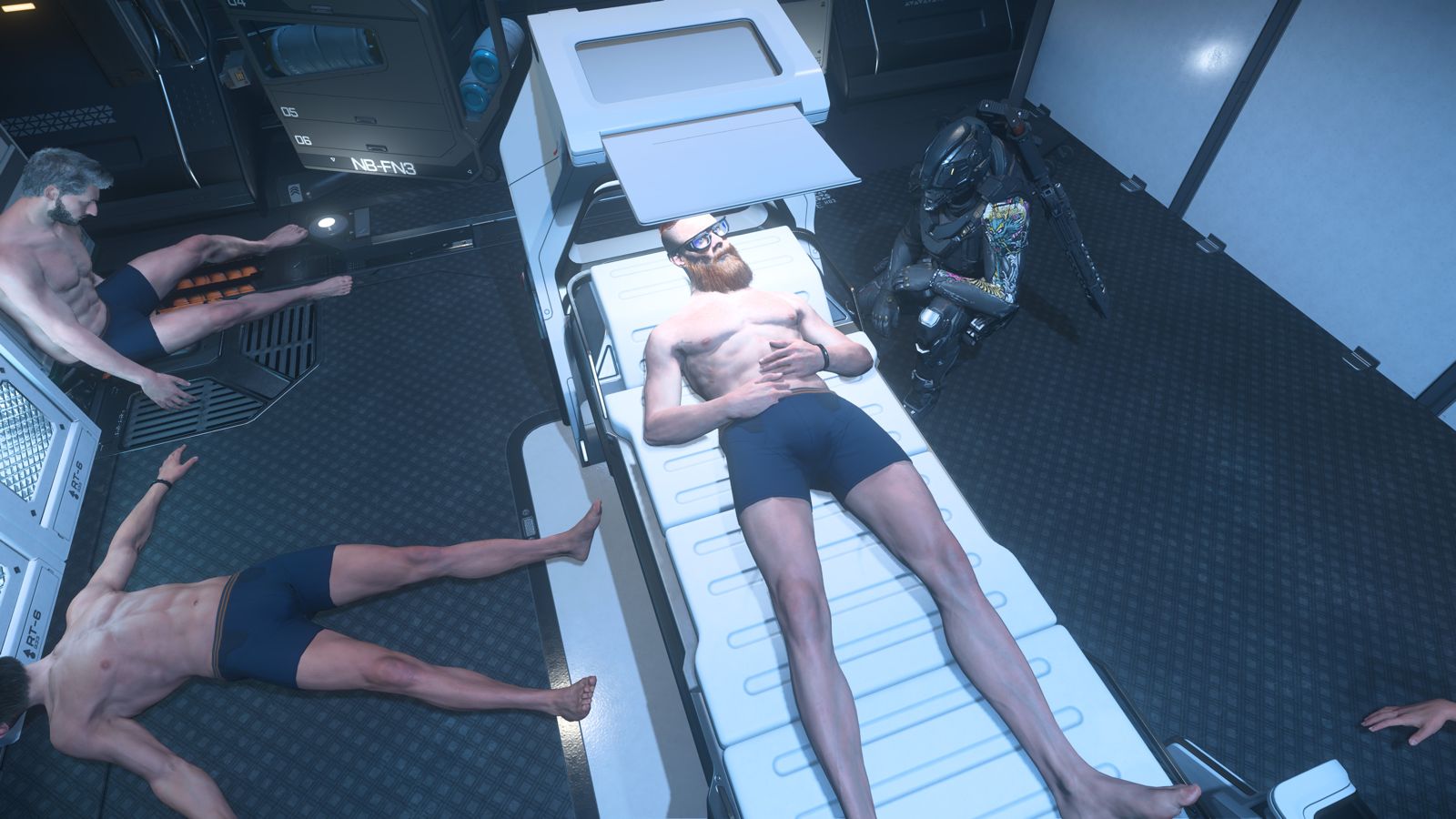
- You respawn at your last medical spot. That's your home by default. Visit any hospital or clinic and you can set it as your new respawn point, or set one on a ship's med bed.
- Your kit stays on your body. Whatever you were wearing and carrying is back where you dropped. Go and get it if it's safe, or write it off.
- Set a med bed for longer trips. A ship with a med bed, like a Clipper, or a Nursa in the back of something bigger, lets you respawn close to the action. Handy for anything in Nyx, as the Vanduul-Tech guide explains.
- Lost the ship? Claim it. File a claim at any ASOP terminal and you'll get the ship back after a timer. You get the hull back, but anything you'd left inside is gone.
Mistakes we've all made
Leaving loot in the ship
If the ship blows up and you claim a new one, everything inside it is gone: cargo, loot, the lot. Stash the good stuff at a station before you go somewhere spicy.
Picking up a CrimeStat
Shooting the wrong thing, trespassing, getting trigger-happy near a station. Read what the HUD's telling you before you pull the trigger.
Logging out anywhere
Log out anywhere and you'll wake up at the last station or city you were at. Want to wake up where you are? Lie in your ship's bed out in the black, hold F and log out from there. Do it right next to a station and you'll still end up in a hab.
Forgetting fuel
Quantum and hydrogen fuel both run out. Top up before long trips, especially into Pyro or Nyx where help's thin on the ground.
Buying ships too early
Rent first. Try a ship for a day before you drop millions on it. You'll thank me later.
Doing it all solo
You can, but it's slower and lonelier. Grab a mate or join an org and it's a lot more fun.
What next?
Got a few hours under your belt? Pick a lane and go deeper.
Mining guide
Ships, lasers, modules and where every ore spawns.
InterSec guide
Every InterSec contract, the rank route and a session planner.
TSG guide
When you're ready for the big one.
Do I need to buy an expensive ship?
No. Your starter ship plus rentals will get you a long way. Rent before you buy.
Is it worth playing solo?
Yes, especially mining, deliveries and the easier combat contracts. Group stuff like TSG needs a crew, though.
Where do I ask questions?
The RMTV Discord, or give me a shout on X.
Payouts and rental prices come from the other RMTV guides (4.10.2 LIVE data). Keybinds are defaults from the Star Citizen Wiki new player guide and StarCitizenHelp. Claims info from StarCitizenHelp. Check in game before you rely on any of it.